Goo Exchange · Robinhood Chain
How to trade stock tokens on Robinhood Chain
Start with the intended token and its issuer terms. This guide describes the wallet and transaction flow in Goo Exchange, rather than a brokerage-share purchase.
- Use a compatible EVM wallet on Robinhood Chain, chain ID 4663. Network gas is paid in ETH already on this chain.
- Obtain the input asset through a supported route. Verify the destination network and contract before moving assets. Official network instructions and official bridging guidance describe the chain setup.
- Identify the output contract in the verified asset catalogue. Read the issuer terms for that asset.
- Open Goo Exchange, connect the wallet, and select the input and output tokens. The app checks the network.
- Enter the amount and inspect the available routes, estimated output, minimum received and price impact. Enabled external venues may be compared with the native route; this is not a claim that every possible venue was queried.
- If an ERC-20 approval is needed, inspect it in the wallet. Review the quote again before confirming the swap.
- Confirm the transaction only when its amount, destination and minimum are acceptable. Verify the receipt and output token address on the explorer.
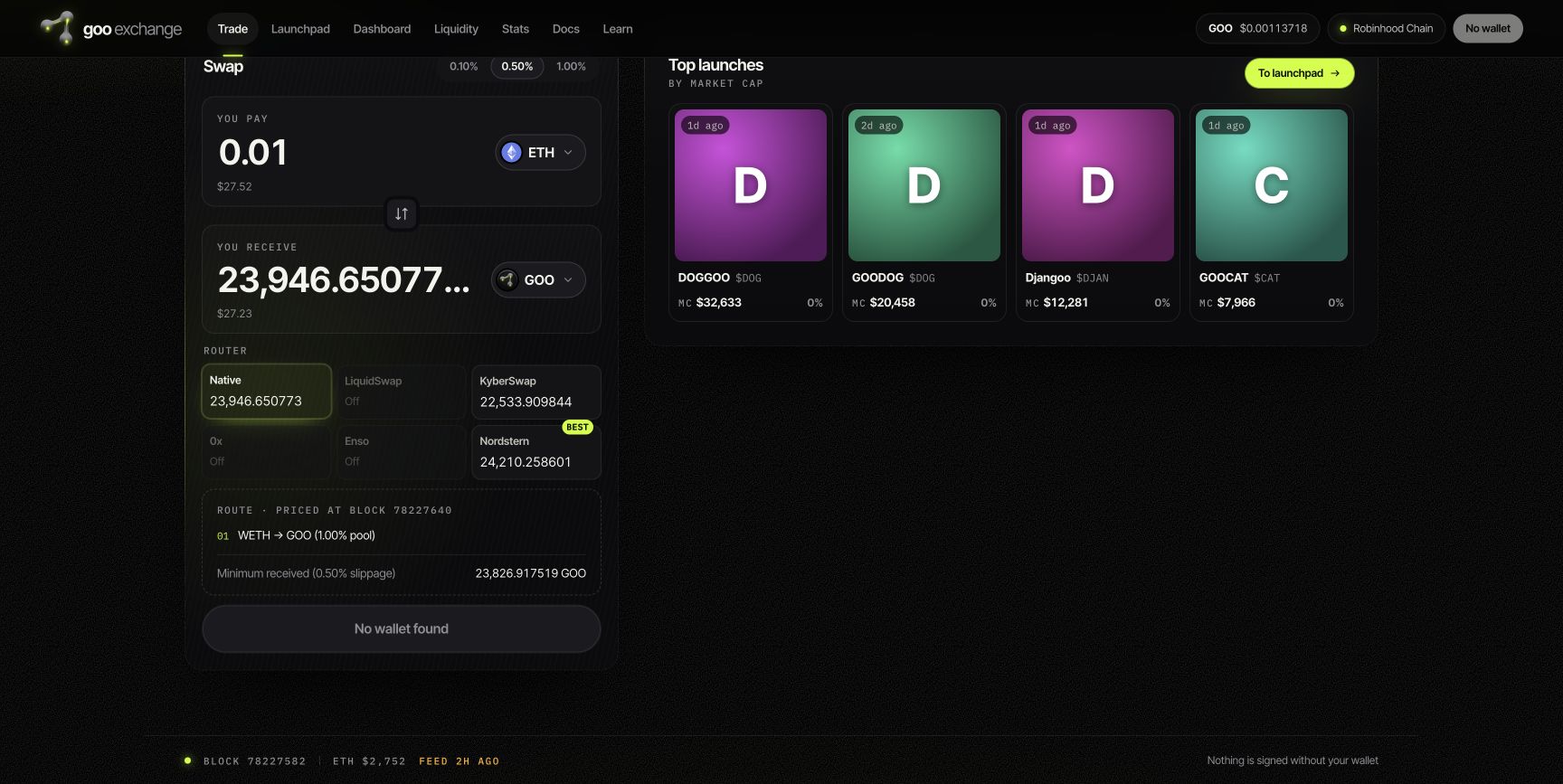
Slippage and minimum received
Slippage tolerance determines the minimum output you accept from the displayed quote. The contract minimum protects that floor when enforced by the selected route; it does not promise a fill. Goo's native router rejects partial fills. A refreshed quote may change after approval or another market trade.
When a trade cannot proceed
- Wrong network: switch to Robinhood Chain and obtain a new quote.
- No route: the selected pair or route may lack usable liquidity.
- Insufficient gas: the wallet needs ETH on Robinhood Chain.
- Minimum not met or expired quote: refresh, review the new output and sign a new transaction only if acceptable.
- Unfamiliar ticker: verify the full contract, not just the symbol.